System requirements, settings and accessibility
The store lists Windows 10/11 64-bit, 8–16 GB RAM, a GTX 1060-class GPU minimum and 10 GB of storage, with a broadband connection recommended for co-op. Support is partial for controllers; keyboard and mouse expose every action.
Before you buy or boot, here is what the game wants from your PC, what its settings actually offer, and the one launch-week bug everyone should know the fix for.
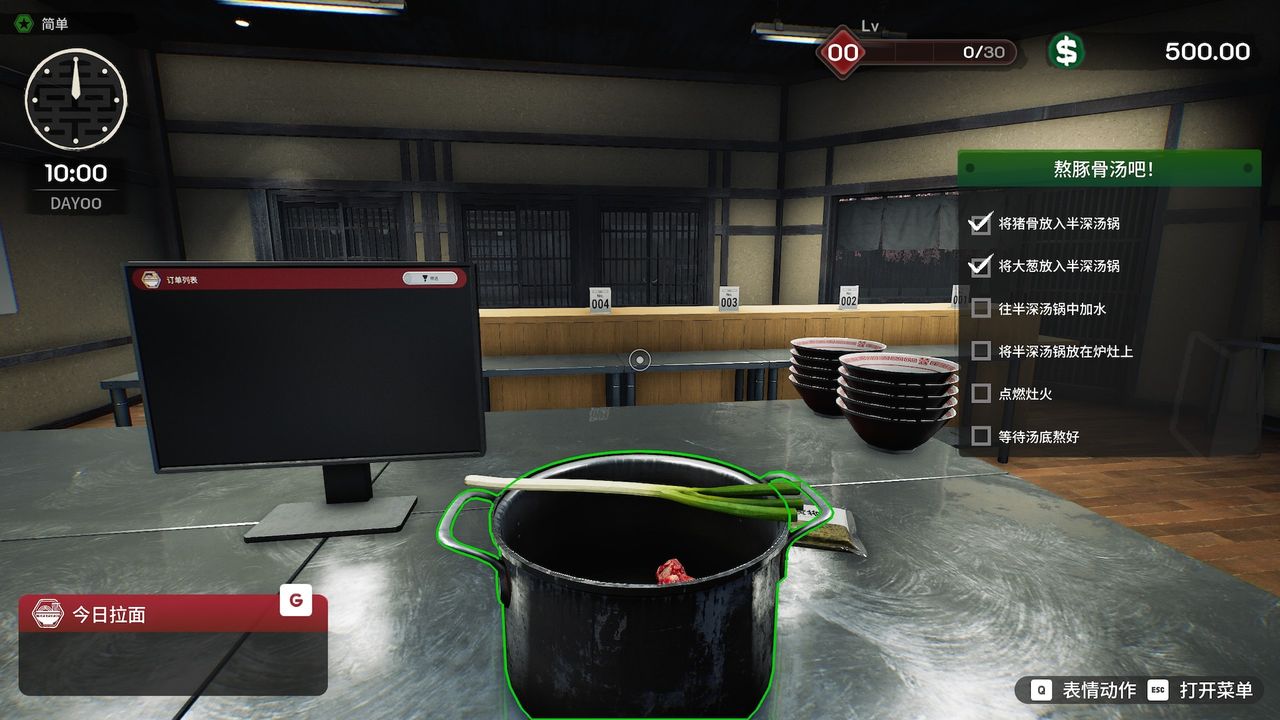
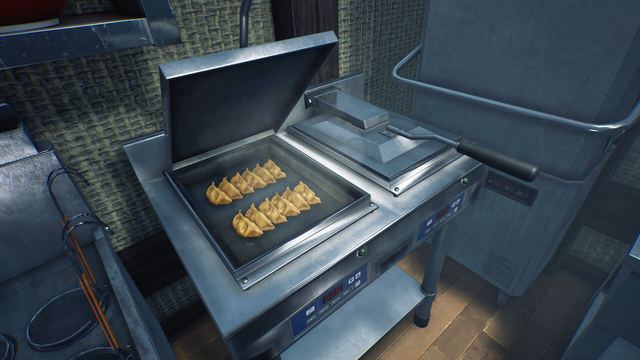
Screenshot: a kitchen-side screen in the shop. — by 炖梨 via Steam Community.
System requirements
| Minimum | Recommended | |
|---|---|---|
| OS | Windows 10 64-bit | Windows 11 64-bit |
| CPU | Intel Core i5 | Intel Core i7 |
| RAM | 8 GB | 16 GB |
| GPU | NVIDIA GTX 1060 / Radeon RX 580 (6 GB+ VRAM) | NVIDIA GTX 1660 / Radeon R9 390X (6 GB+ VRAM) |
| DirectX | 11 | 12 |
| Storage | 10 GB | 10 GB |
| Network | Broadband connection | Broadband connection |
Source: Steam store listing, checked 10 October 2026. The 6 GB VRAM bar is the real gate — the kitchen simulates a lot of state — and the network line matters because co-op is the headline mode. Launch-build streams report smooth mid-range performance, helped by the Day-1 FSR and frame-generation crash fix.
Controls: mouse and keyboard vs gamepad
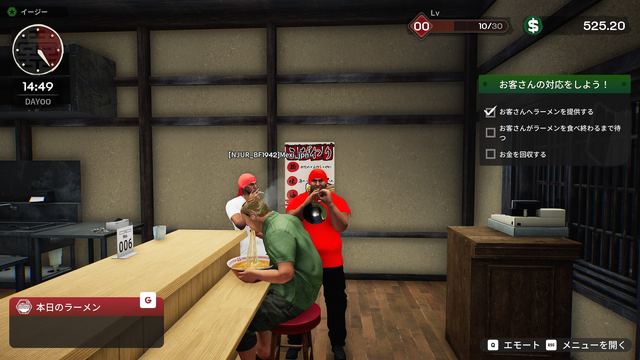
The game is fully playable on mouse and keyboard — the default prompts you will see on screen are keyboard keys: B for Build Mode, Q for Emotes, R to Throw, Esc for the menu, with contextual mouse interaction for pickup, pour and place.
Gamepad support is listed as Partial Controller Support, and the Day-1 patch shows active work on it: gamepad prompts in the design tutorial, My Designs drawing, right-stick scrolling and purchase-terminal selection all got fixes. Expect a pad to cover movement and most interactions, mouse fallback for fiddly bits.
Camera and comfort
Two view options ship with the game: a first-person view for immersion in the cooking line, and a third-person view that shows your character and the room. The store explicitly frames this as a motion-comfort feature — if first-person cooking makes you queasy, the third-person camera is the intended escape hatch, and you can switch between them. Accessibility tags on the store include Camera Comfort, Adjustable Text Size, Custom Volume Controls, Adjustable Difficulty, Playable Without Timed Input, and Save Anytime.
The settings that exist (and one that does not)
- Difficulty — Easy / Normal / Hard at new-game, with time-limit and customer-count dials alongside. This is the biggest single lever on how gentle your shop feels; the Day-1 patch buffed Easy and Normal payments.
- Text size — adjustable; the Day-1 patch also fixed an overflow caused by changing text size.
- HUD scale — now adjustable up to 1.3 in 0.1 steps (new in the Day-1 build), which pairs well with 1440p displays.
- Audio — custom volume controls; voice chat mute and push-to-talk for co-op.
Missing option worth knowing about: players have asked for a toggle to disable chromatic aberration; it is not exposed in the launch build. If post-processing edges bother you, the practical mitigations are resolution scaling and staying third-person.
The first-launch language bug
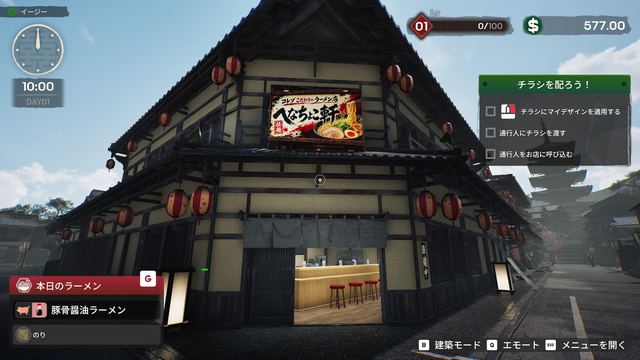
The most-reported setup headache on day one: the game opening with a Japanese UI for English players. It is a first-run configuration issue, not a purchase problem — switch language in the in-game menu. If it persists, change your Steam client language once, relaunch, and make sure the build is updated; later installs reported it already fixed.
Remote play, cloud saves and family sharing
The store lists Steam Cloud (your shop follows your account between PCs) and Family Sharing (members can request access). Save Anytime is tagged — you can pause and store mid-day instead of forcing marathon sessions.
Quick setup checklist for co-op night
- Everyone updates to v0.1.48.17626 or later before opening the lobby; allow the game and Steam through the firewall.
- Set voice mute and push-to-talk before joining — the Day-1 build applies them on entry.
- If a join times out, read the on-screen error code (it names the cause) and follow the co-op fix checklist.